Standing Desk Converter vs Full Standing Desk: Which One Is Actually Worth It?
An engineering comparison of standing desk converters and full motorized desks. We analyze stability, desk real estate, and long-term value.
⚡ Quick Picks: Our Top Recommendations
Updated: July 2026Prices and availability are accurate as of July 2026 and are subject to change.
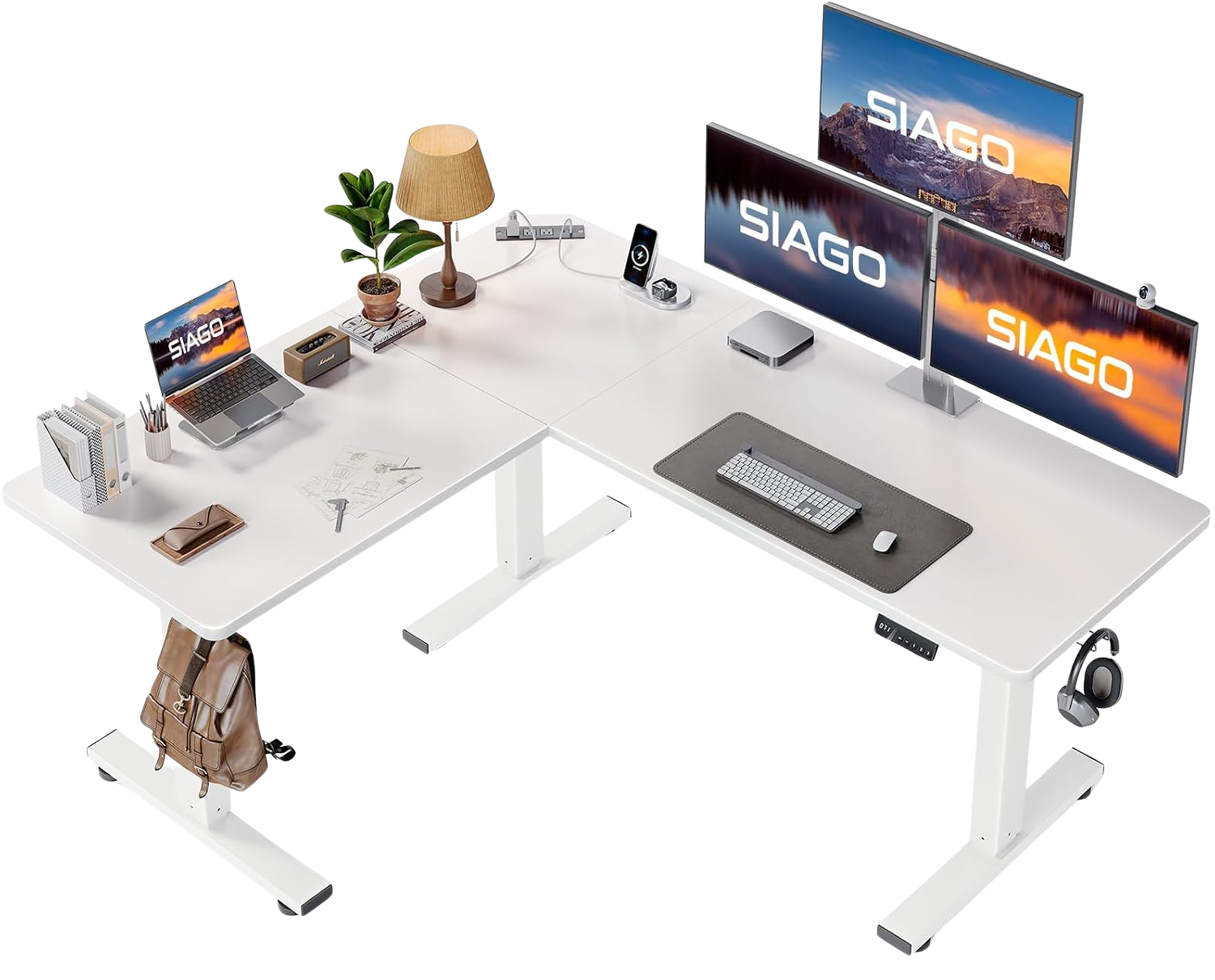
SIAGO L-Shaped Standing Desk
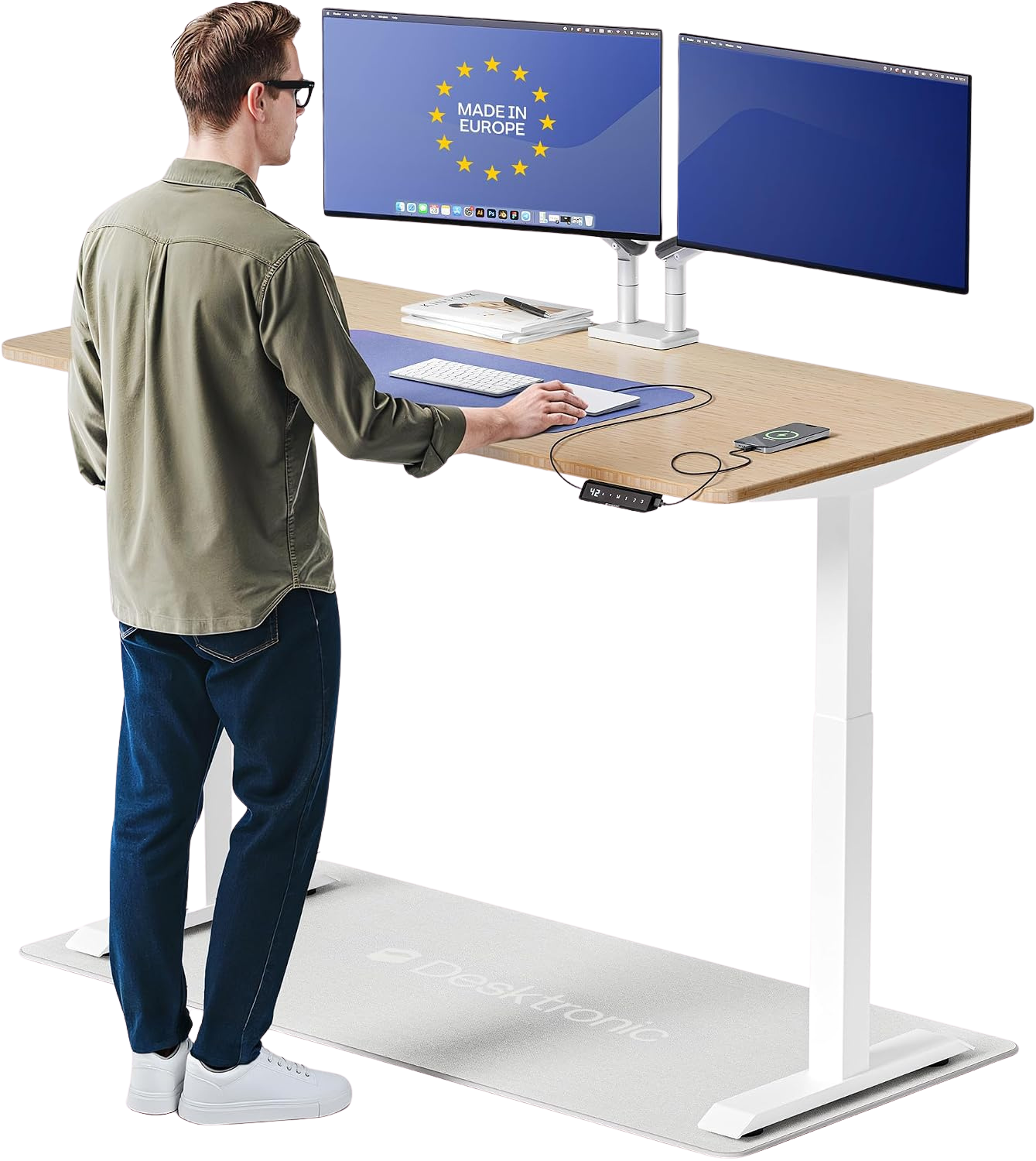
Desktronic HomeOne Standing Desk
Here is the honest version of this comparison: a desk converter is a compromise, and a full motorized standing desk is a commitment. Neither is wrong, but buying the wrong one for your situation will cost you more in the end than just buying the right one upfront.
Converters are platforms you place on top of your existing desk. They raise your monitor and keyboard to standing height when you want them there, then drop back down. Full standing desks replace your existing desk entirely, with a motorized frame that moves the entire surface. The price gap between them ranges from roughly $50 for a basic riser to $250 for a quality converter, versus $240 to $939 for a proper motorized desk.
That price gap is real. But so is the performance gap. This breakdown covers what actually matters for a home office, based on manufacturer specs, build quality categories, and verified buyer complaint patterns. If you're still mapping out your full workspace, check our complete ergonomic home office setup for the full picture before committing to a desk category.
1. Desk Real Estate and Usable Space
This is the biggest practical difference and the one most people underestimate when shopping for a converter.
A converter sits on your existing desk surface. It takes up space. Most quality converters occupy a footprint of roughly 36 inches wide by 24 inches deep. Your monitor platform rises up when in standing mode, but the riser base stays on the desk constantly. That base eats into your working area even when you're seated. If your current desk is 48 inches wide, a converter leaves you 12 inches of unoccupied desktop. That's enough for a coffee mug and not much else.
A full standing desk gives you the entire surface at whatever height you choose. The desktop moves, not a platform on top of it. You keep 100 percent of your desk real estate at every height position.
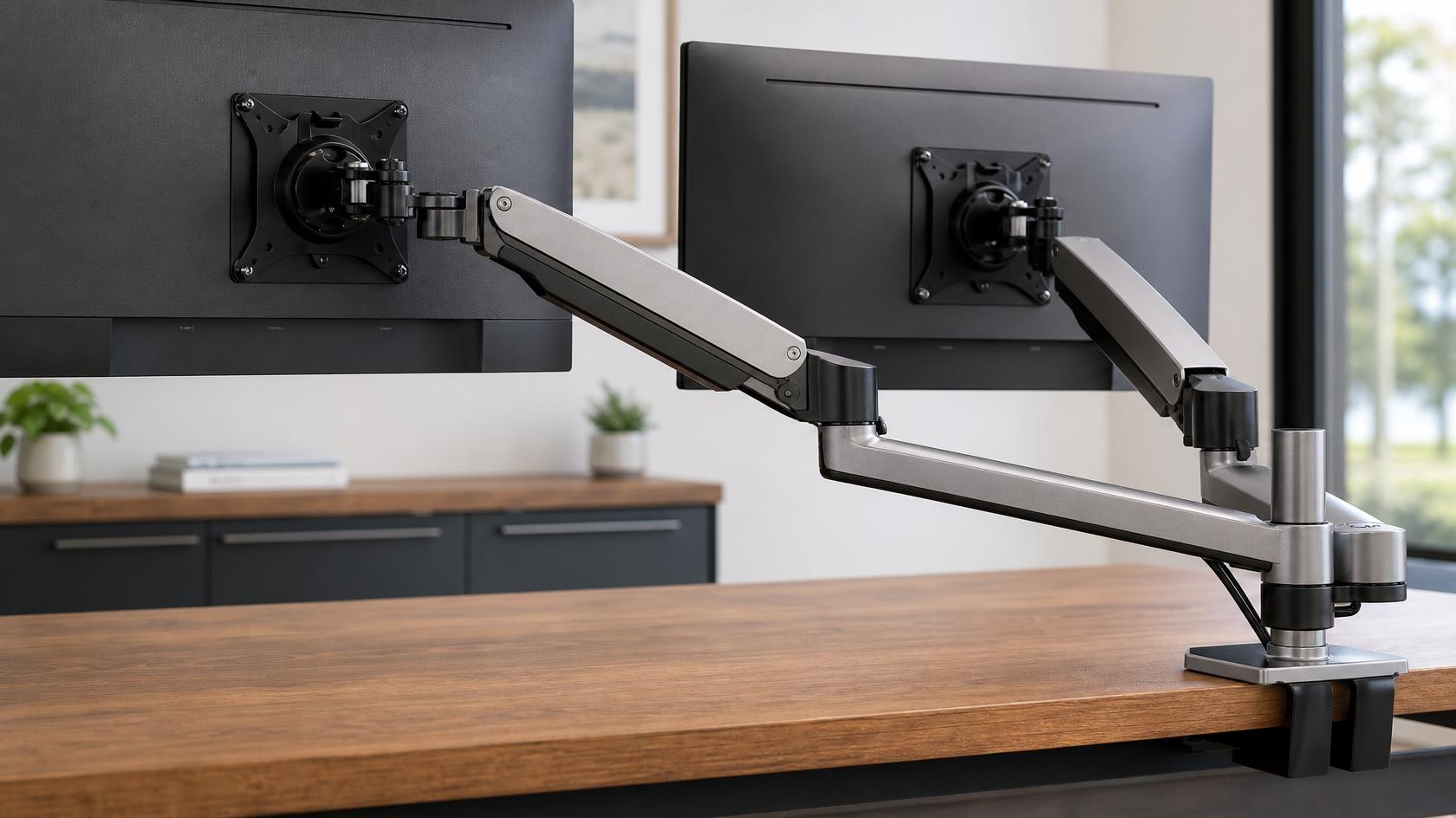
For dual-monitor setups, this distinction is the deciding factor. Review data consistently shows that users who run two monitors on a converter run into clearance problems when transitioning to standing height. Monitor arms help, but they introduce their own complexity and the base weight limits become a concern on converter platforms.
Single-monitor users with a 60-inch or wider desk can reasonably work with a converter. Everyone else is giving up usable workspace they'll miss within a week.
2. Stability and Monitor Shake
Converters are not structurally integrated with your desk. They sit on the surface and rely on their own frame rigidity. The better-quality converters (in the $200 to $300 range) handle light typing loads without significant shake. Budget converters under $100 introduce noticeable wobble at keyboard level that makes fast typing uncomfortable and can cause micro-vibrations that carry through to mounted monitors.
The critical failure mode for converters is lateral sway. When you reach across your desk or adjust a document, the converter flexes slightly on the axis where it contacts your desk surface. This is physics, not a quality defect. Even the best converters exhibit some of this because they're not bolted to the frame.
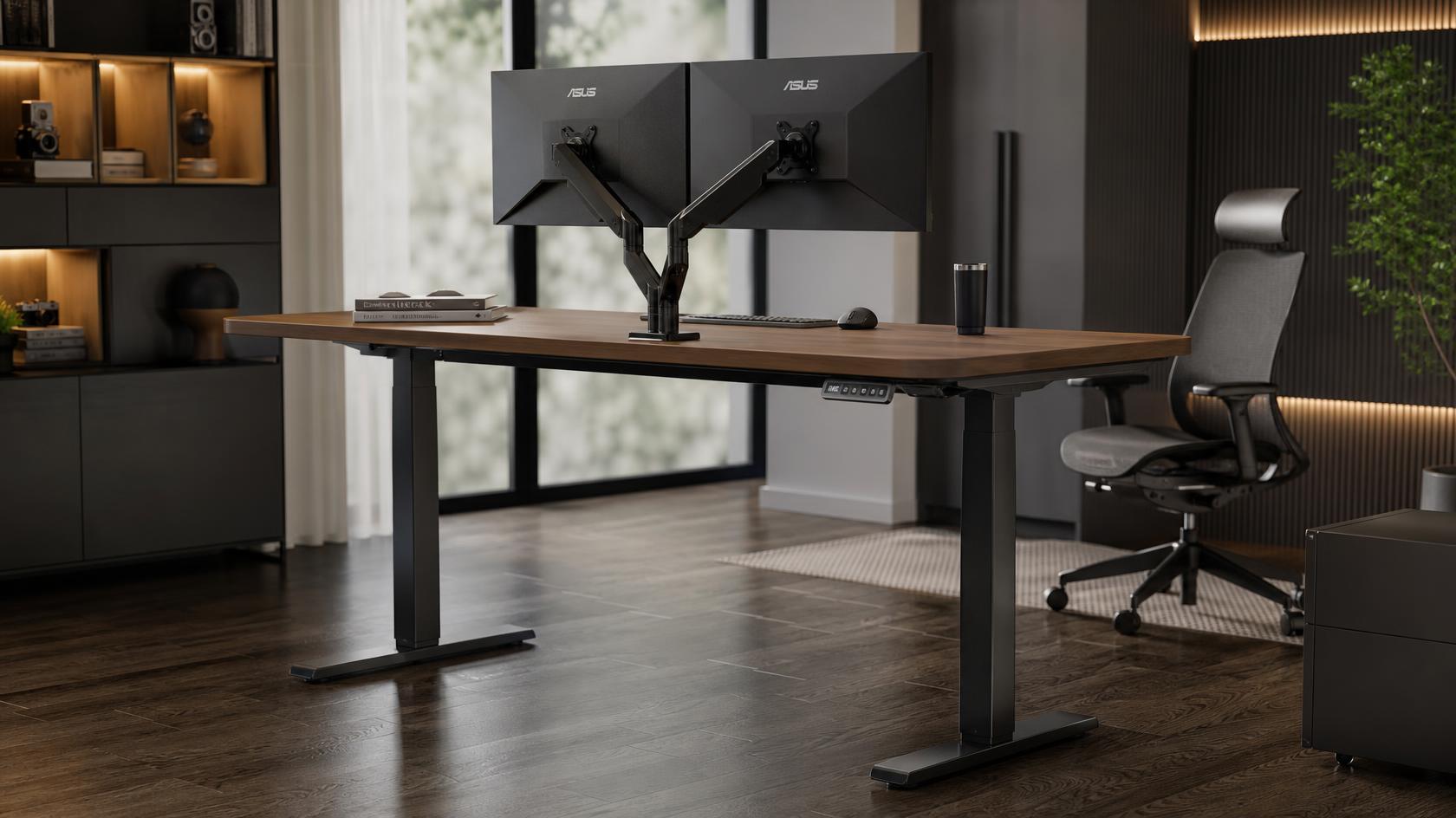
Full standing desks with dual-motor frames are mechanically superior in this category. A properly assembled motorized desk with a steel frame and stabilizing crossbar shows very little lateral movement at typing height. The Desktronic HomeOne is a good example at $649.99. Its dual-motor system lifts the full surface evenly, and the frame holds at standing height without the lateral sway that single-motor or converter designs produce.
For anyone doing heavy keyboard work, recording audio, or running multiple monitors, frame stability matters more than price. See our best standing desks for stability breakdown for the full analysis across price tiers.
3. Ergonomics and Keyboard Tray Mechanics
This is where converters make an interesting case for themselves, and where they also create problems.
Most quality converters include a separate keyboard tray that sits at a lower height than the monitor platform. The idea is to give you an ergonomically correct relationship between your keyboard and your screen when standing. When this works well, it works quite well. The keyboard at elbow height and the monitor at eye level is the correct standing posture, and a converter's split-level design can achieve this without any additional accessories.
The problem is that the keyboard tray space is fixed. You cannot move it independently in most converter designs. If your standing elbow height does not happen to align with where the keyboard tray sits, you're stuck. Tall users in particular run into this. Review data shows users above 6'2" frequently report the keyboard tray either too low or too high, with no adjustment range to compensate.
Full standing desks let you adjust the entire surface to your exact standing elbow height first, then add a monitor arm to bring the screen to eye level. This approach gives you complete control over the ergonomic relationship, at the cost of needing a separate monitor arm. For reference, a quality monitor arm runs about $20 for single-monitor setups. That's a small additional cost for the flexibility it adds.
If you go the full desk route, spend 10 minutes on the proper chair adjustment sequence before locking in your standing height. Your seated and standing positions need to be coordinated with each other, not set in isolation.
The Verdict: Which Setup Fits Your Workflow?
We do not index or recommend standing desk converters in our database. At $250+ for a quality converter, the price delta between a wobbly add-on and a full motorized desk like the SIAGO is practically zero. Unless you are strictly forbidden from changing your current desk by a landlord or employer, spending $200+ on a converter is a bad long-term investment. Just buy a full desk.
The Budget Pick: SIAGO L-Shaped Standing Desk, $239.99
At $239.99, the SIAGO delivers a 63x55 inch corner surface with a motorized frame. This is a full standing desk at a price point that competes directly with quality converters. The motor is slower than dual-motor alternatives and the frame has some lateral flex at maximum extension, but it gives you the entire surface at every height, with no footprint cost.
For anyone starting a home office from scratch or replacing an inadequate desk, the SIAGO makes the converter argument difficult to justify at comparable prices.
The Full Desk Pick: Desktronic HomeOne Standing Desk, $649.99
The Desktronic HomeOne is the full standing desk that holds up for serious long-session work. Dual-motor system, solid lateral stability, pre-drilled for a monitor arm, and the kind of build quality that makes a converter feel like a workaround by comparison. This is the product that makes the "spend more once" argument for long-term home office investment.
If budget is not the primary constraint, the Desktronic is the correct recommendation for anyone building a permanent ergonomic setup.
Pairing either desk with an ergonomic office chair under $200 gives you a complete sit-stand workstation at a total cost that still undercuts most premium converter-plus-desk combinations.
Frequently Asked Questions
Are standing desk converters worth buying?
For a temporary or shared setup, yes. For a permanent home office where you plan to sit or stand for 6 to 8 hours a day, no. The workspace loss and stability limitations of most converters become daily friction points that erode the benefit of alternating positions. A budget motorized desk at $240 is a better long-term investment for most people than a $200 converter sitting on top of an existing desk they keep regardless.
How much space does a standing desk converter take up?
Most quality converters occupy a footprint of 30 to 36 inches wide on your existing desk surface, continuously. Even when you're sitting with the platform lowered, the base unit is still occupying your desk. For a desk that's 48 inches or smaller, this becomes a meaningful workspace reduction. For a desk 60 inches or wider, it's more manageable for single-monitor setups.
Is a dual-motor standing desk worth the extra cost over single-motor?
For desks wider than 48 inches, yes. A single-motor frame lifts one side of the desk faster than the other, creating torque on the frame over time. Review data shows single-motor desks develop uneven height or frame flex issues faster under heavy loads. Dual-motor frames lift both sides evenly and maintain frame rigidity longer. The cost difference between single and dual-motor in the $400 to $650 range is typically $150 to $200, which is worth it if you're putting two monitors and peripherals on the surface.
Review methodology & affiliate disclosure
WorkWize is reader-supported. When you buy through links on this site, we may earn an affiliate commission at no extra cost to you. Learn more.
At WorkWize, our goal is to save you time. We conduct extensive research by analyzing real buyer reviews, technical specifications, and long-term feedback across Amazon and verified forums. While we do not physically test every single unit in a lab, we aggregate verified data to highlight real pros, cons, and customer flaws. WorkWize does not manufacture, sell, or ship these products, and we are not liable for product variations, defects, or merchant price changes. All purchases are made directly through third-party retailers.
A. Abdessamed
Software Engineer & Founder of WorkWize
A recent Software Engineering graduate (Class of 2026) and tech enthusiast. I built WorkWize to help fellow developers and knowledge workers navigate the noise and find the perfect, pain-free ergonomic setup based on deep technical research.