How to Stop Wrist Pain: The Best Ergonomic Keyboards & Mice (2026)
An engineering breakdown of typing mechanics, RSI prevention, and the best ergonomic keyboards and mice for programmers and desk workers.
⚡ Quick Picks: Our Top Recommendations
Updated: July 2026Prices and availability are accurate as of July 2026 and are subject to change.
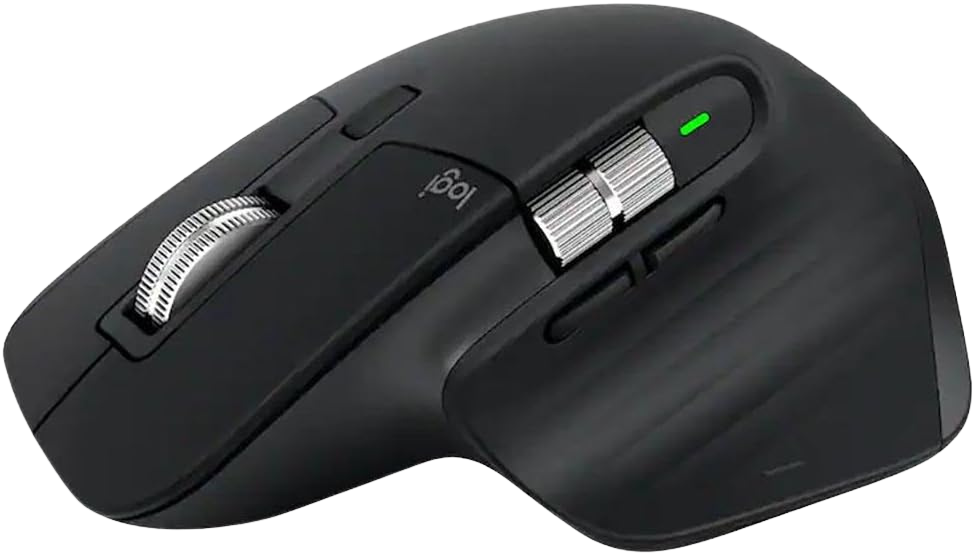
Logitech MX Master 3S
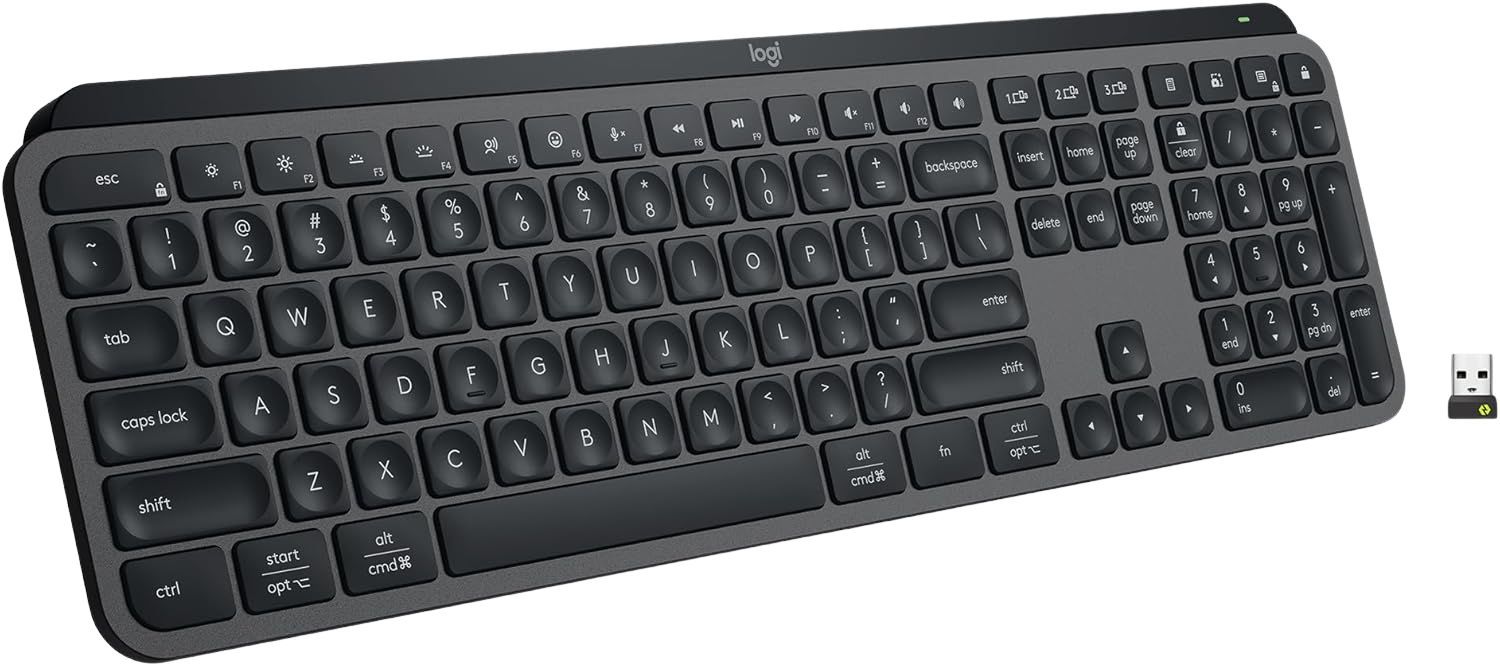
Logitech MX Keys S Wireless Keyboard
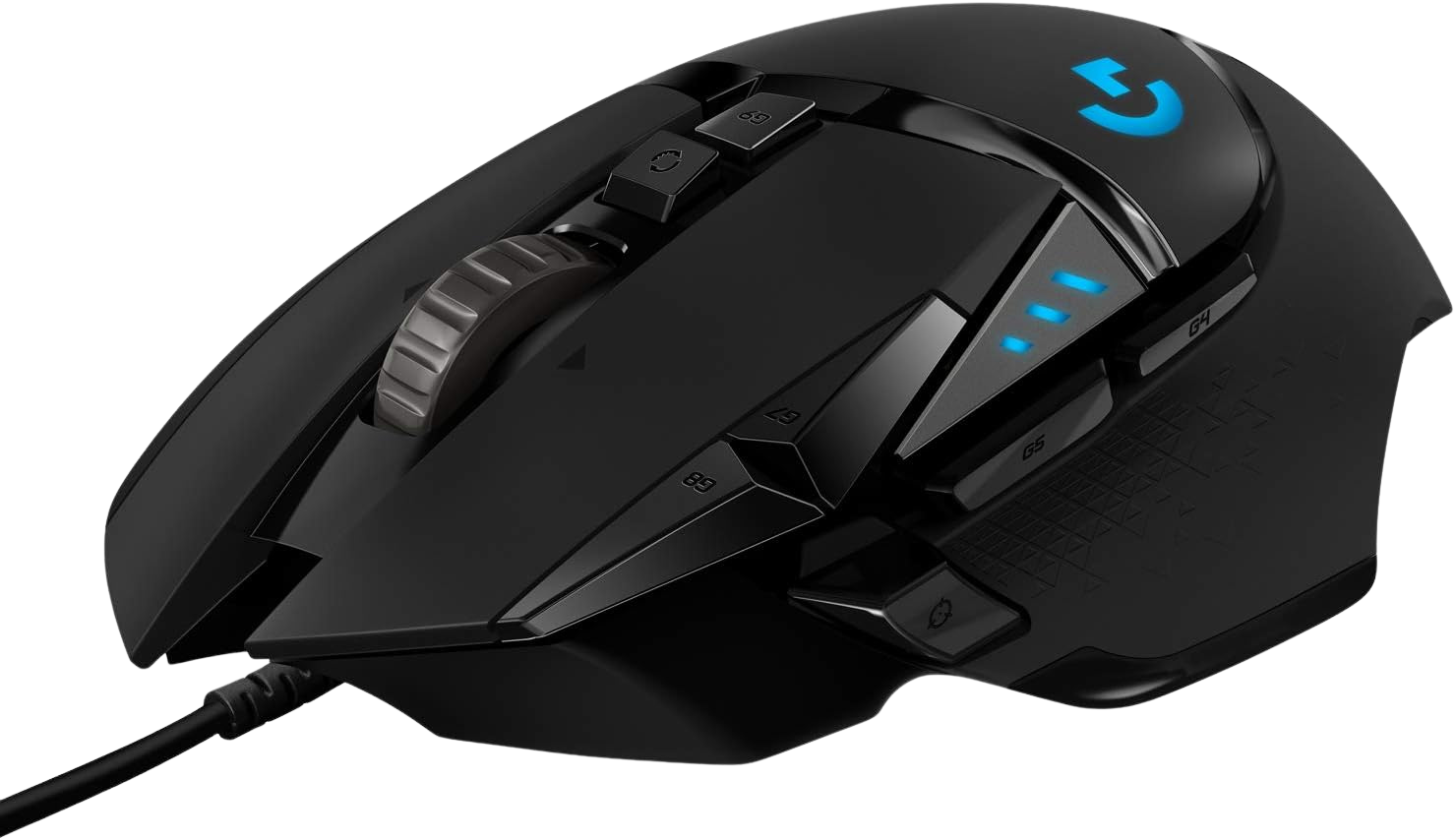
Logitech G502 Hero High Performance Wired Gaming Mouse
I wrote thousands of lines of code before I realized that ignoring wrist pain is a career-ending mistake. Repetitive Strain Injury (RSI) does not happen overnight. It creeps up on you after months of typing on flat keyboards and gripping symmetrical mice. You can perfect your standing desk posture and dial in your chair, but if your wrists are bent at harsh angles, you are still actively damaging your tendons.
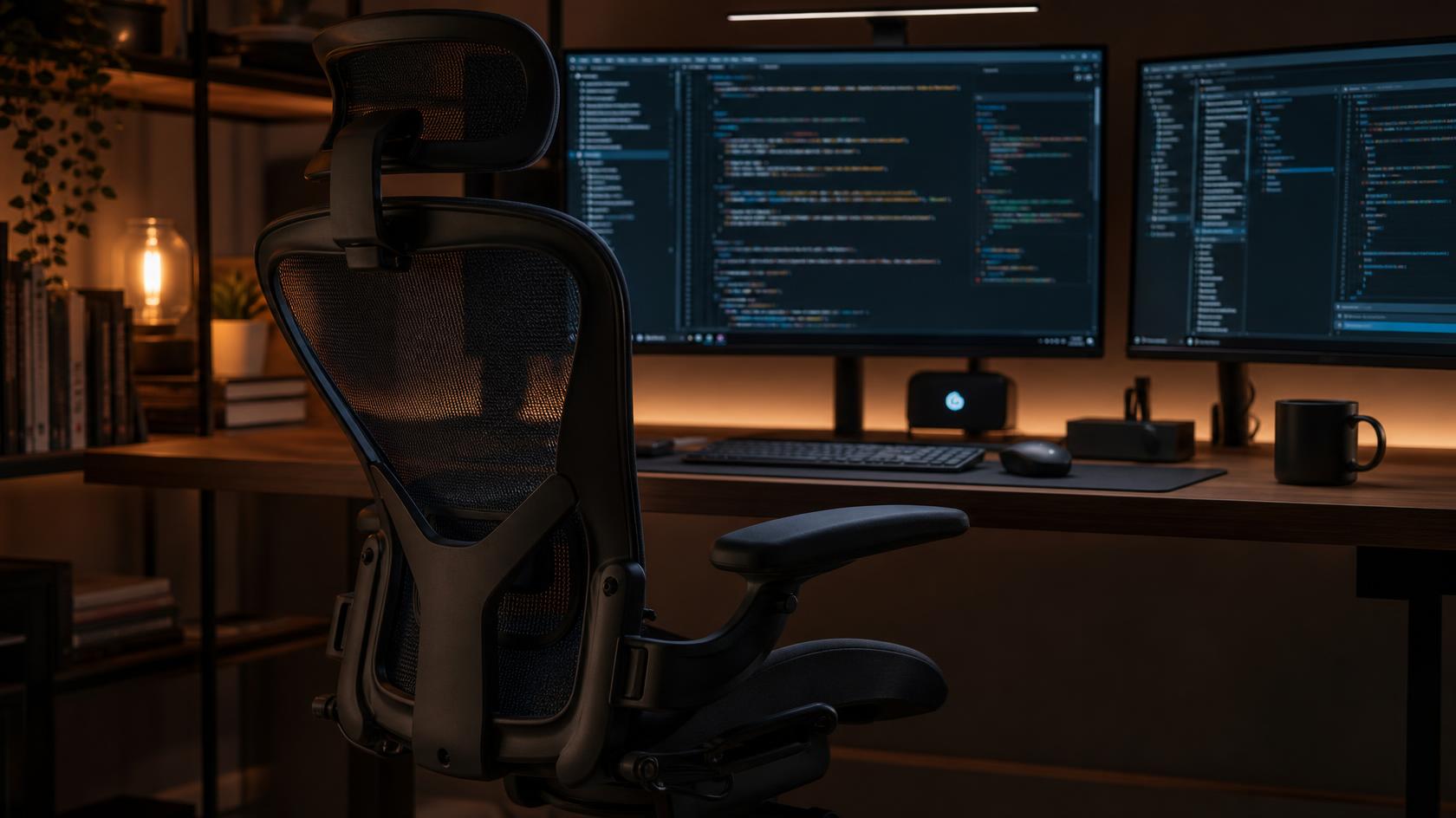
A complete ergonomic home office setup requires you to look at the tools you physically interact with for eight hours a day. Here is the engineering breakdown of typing mechanics, why standard office gear fails, and how to choose peripherals that actually protect your hands.
1. The Anatomy of Wrist Pain (Pronation and Extension)
The human wrist is not designed to lay perfectly flat on a horizontal surface. When you place your hands flat on a standard keyboard, your forearms rotate inward. This rotation is called pronation. Holding a pronated position for hours creates static tension in your forearm muscles, which eventually pulls on the tendons passing through your carpal tunnel.
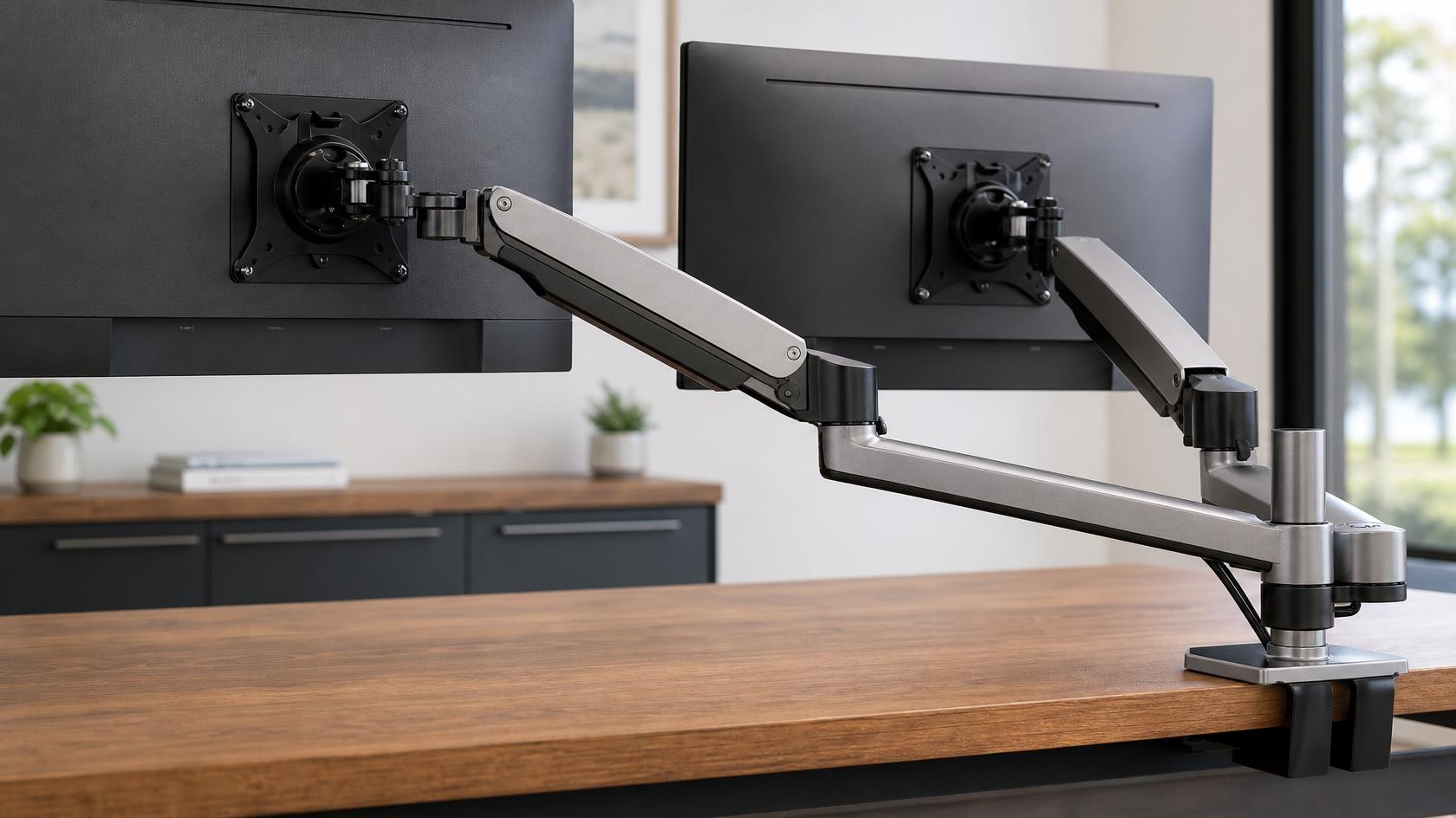
The second issue is wrist extension. If your keyboard sits too high on your desk, you have to bend your hands upward to reach the keys. This upward bend pinches the median nerve. Even if you use a monitor arm setup to fix your neck, extending your wrists will still lead to localized pain. Your wrists should float straight and neutral, never bent upward.
2. Flat vs Tented Keyboards
Most mechanical keyboards and laptops force a completely flat, pronated typing stance. Ergonomic keyboards fix this by introducing a split and a tent.
A split keyboard separates the left and right key clusters, allowing your hands to stay shoulder-width apart rather than squeezing together. A tented keyboard raises the middle section so your hands rest at a slight natural angle. This mimics the relaxed position your hands fall into when resting in your lap.
However, many developers find heavily tented split keyboards difficult to learn. If you want the benefits of a low-profile design without a massive learning curve, a flat but low-travel membrane keyboard is often the best compromise. It minimizes the upward extension of your wrists, keeping your tendons neutral without forcing you to re-learn how to type.
3. Why the Standard Mouse is a Design Flaw
The cheap symmetrical mouse provided by most IT departments is actively harmful. A symmetrical mouse forces your hand to lie flat against the desk. This maximizes forearm pronation and requires you to pinch the sides of the mouse just to move it.
A proper ergonomic mouse is sculpted to fit the natural curve of a right or left hand. It tilts your hand slightly sideways, completely eliminating the flat-pronation stress. Review patterns across Amazon consistently show that users who switch to tilted, sculpted mice report noticeably reduced forearm tension within the first few weeks of use. The reduction in grip force alone is enough to alleviate the early symptoms of RSI.
The Verdict: The Standard Developer Loadout
You do not need to buy a radical vertical mouse or a split mechanical keyboard to save your wrists. Upgrading to high-quality, low-profile, sculpted tools is enough for the vast majority of desk workers.
Top Ergonomic Mouse: Logitech MX Master 3S, $78.91
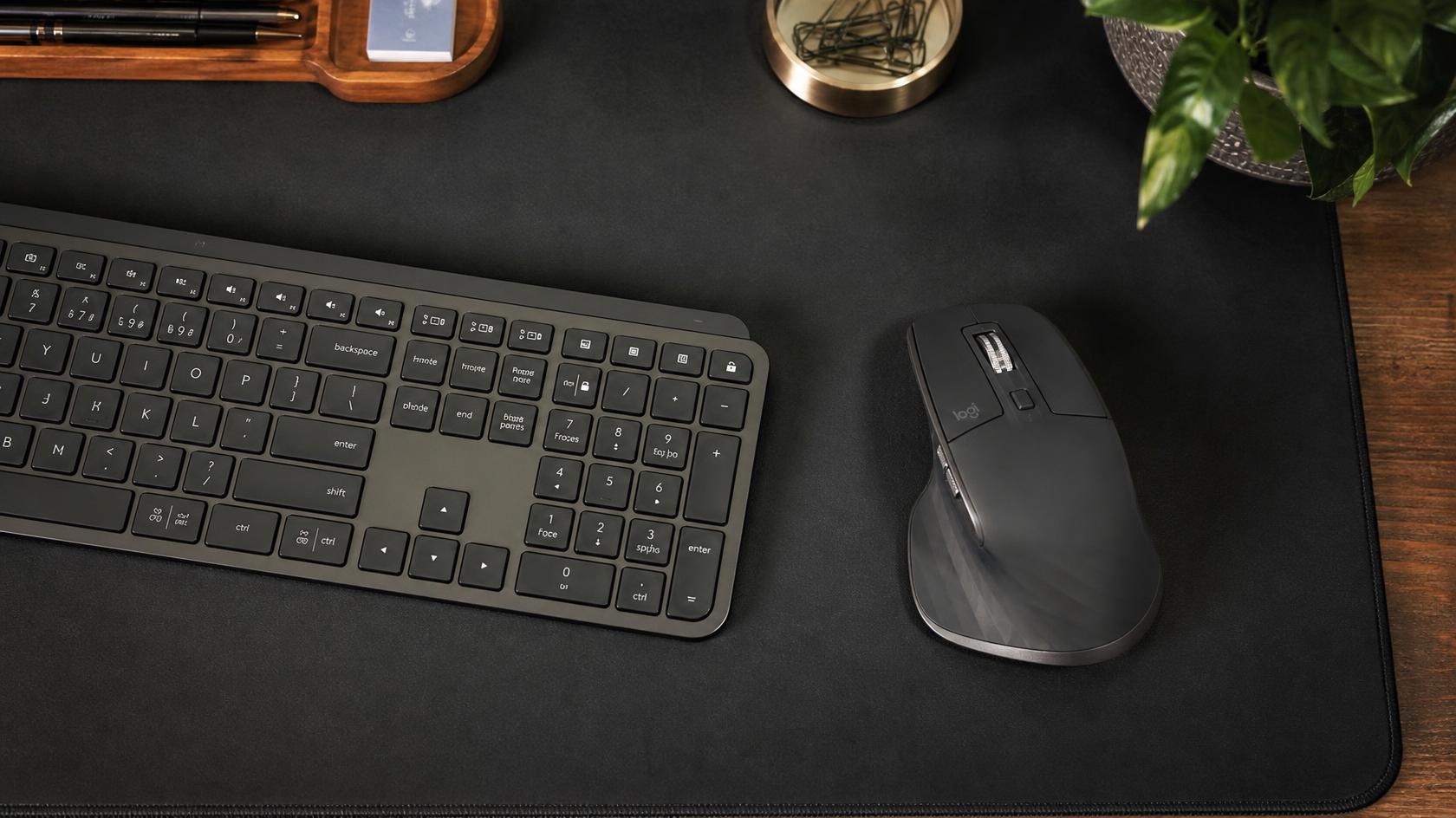
The MX Master series is the gold standard for software engineers and designers. It features a heavy right-handed tilt that supports your palm and keeps your wrist neutral. The magnetic scroll wheel is completely silent and requires near-zero effort to spin, reducing finger fatigue. It is heavy, stable, and tracks perfectly on glass.
Top Keyboard Pick: Logitech MX Keys S Wireless Keyboard, $125.99
While not a split ergonomic board, the MX Keys S solves the extension problem by being incredibly thin. The keys have a slight spherical dish that guides your fingers, and the low profile means your wrists never have to bend upward to type. It pairs seamlessly with the MX Master mouse, allowing you to control multiple computers on the same desk.
Best Hybrid Mouse: Logitech G502 Hero High Performance Wired Gaming Mouse, $37.99
If you want an ergonomic shape but need a wired connection for gaming or precision work, the G502 is legendary. It has an aggressive right-handed shape and a thumb rest that prevents your thumb from dragging on the mousepad. At under $40, it is a massive upgrade over any symmetrical office mouse.
Frequently Asked Questions
Do wrist rests actually prevent RSI?
Not if you use them incorrectly. A wrist rest should really be called a palm rest. You should never rest your actual wrists (where your pulse is) on a pad while typing, as this compresses the carpal tunnel. You should rest the meaty part of your palm on the pad during breaks, and let your hands float while actively typing.
Are vertical mice better than standard ergonomic mice?
For severe RSI, yes. A vertical mouse completely eliminates forearm pronation by putting your hand in a "handshake" position. However, they lack precision for tasks like graphic design or gaming. A heavily sculpted mouse like the MX Master 3S is the perfect middle ground for most professionals.
Review methodology & affiliate disclosure
WorkWize is reader-supported. When you buy through links on this site, we may earn an affiliate commission at no extra cost to you. Learn more.
At WorkWize, our goal is to save you time. We conduct extensive research by analyzing real buyer reviews, technical specifications, and long-term feedback across Amazon and verified forums. While we do not physically test every single unit in a lab, we aggregate verified data to highlight real pros, cons, and customer flaws. WorkWize does not manufacture, sell, or ship these products, and we are not liable for product variations, defects, or merchant price changes. All purchases are made directly through third-party retailers.
A. Abdessamed
Software Engineer & Founder of WorkWize
A recent Software Engineering graduate (Class of 2026) and tech enthusiast. I built WorkWize to help fellow developers and knowledge workers navigate the noise and find the perfect, pain-free ergonomic setup based on deep technical research.